XPressScreening
5. Candidate Interview
5. Candidate Interview
5. Candidate Interview
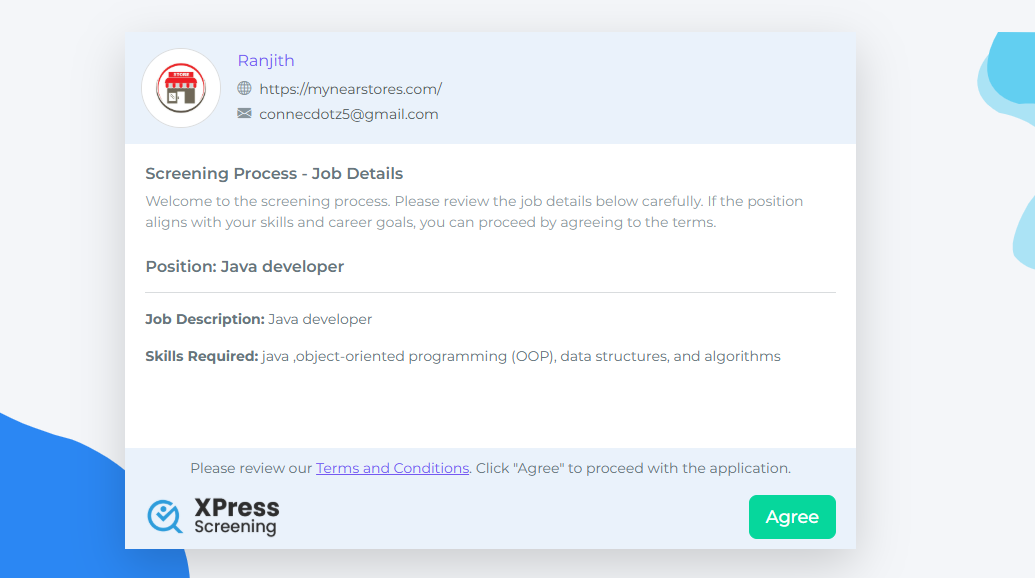
Page 1: Job Description
Displays the job description.
If interested, the user clicks Next.
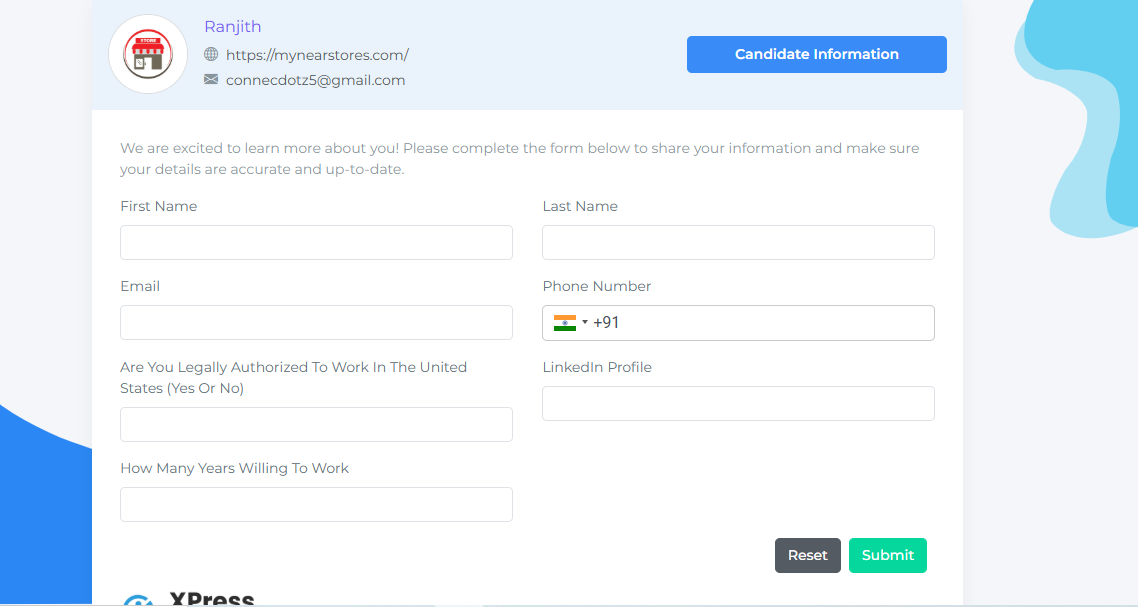
Page 2: Personal Information
User enters personal details and clicks Submit.
Page 3: Video Interview
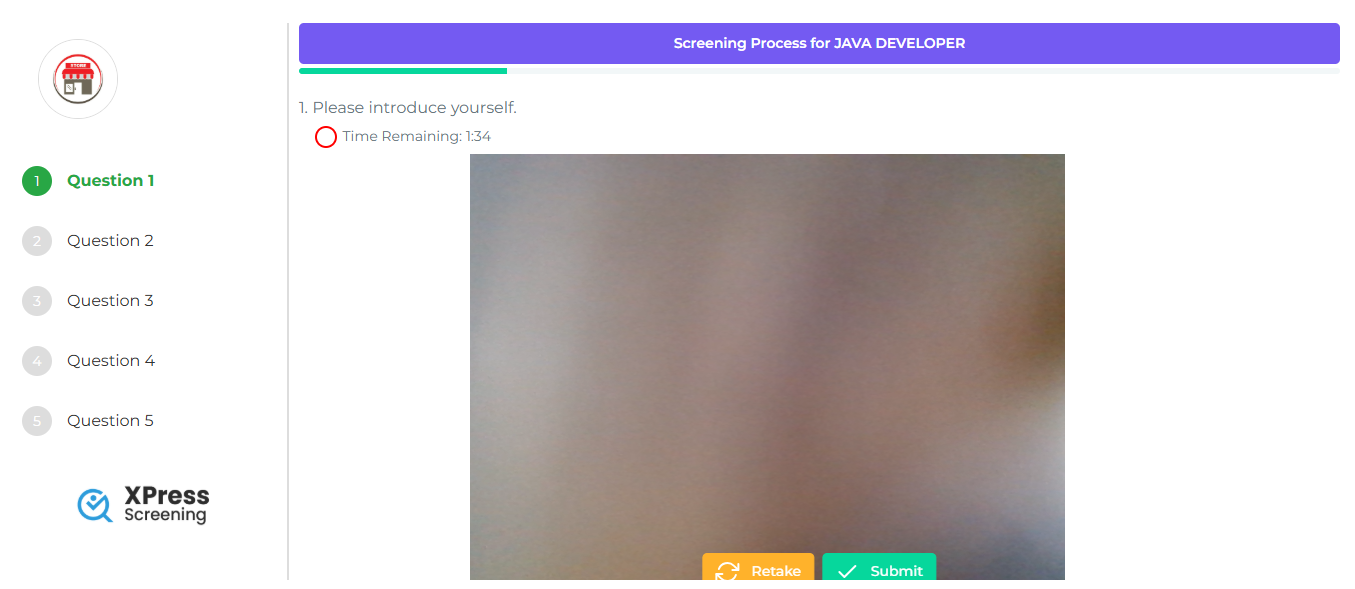
Starts with an Introduction video.
Then shows 4 questions:
Each question has an option to record a video.
Users can submit or retake the video.
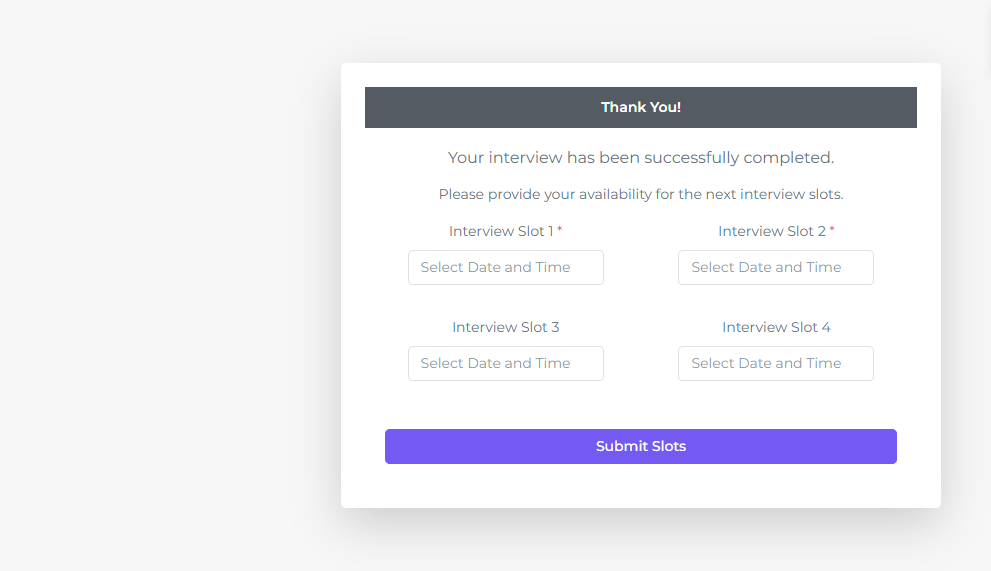
Page 4: Time Slot Selection
After submitting the answers, the user selects an available time slot for an interview.
Click Submit to confirm.